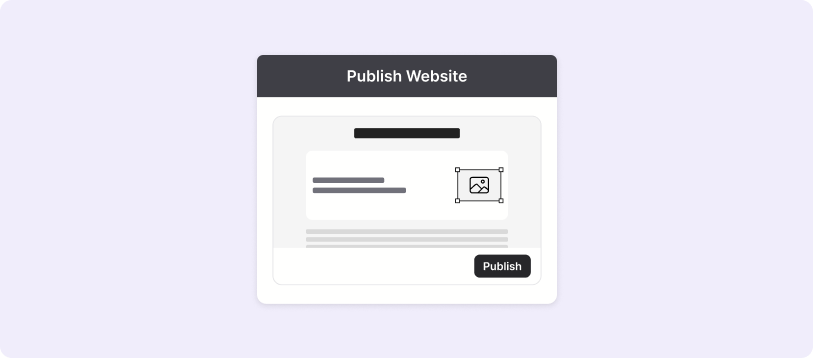
Follow these four easy steps to create your website, add your products, and start selling online — no code needed.
Step 1: Sign Up & Choose a Plan
Create your bizOS Lite account with your email, then pick the pricing plan that fits your business needs.
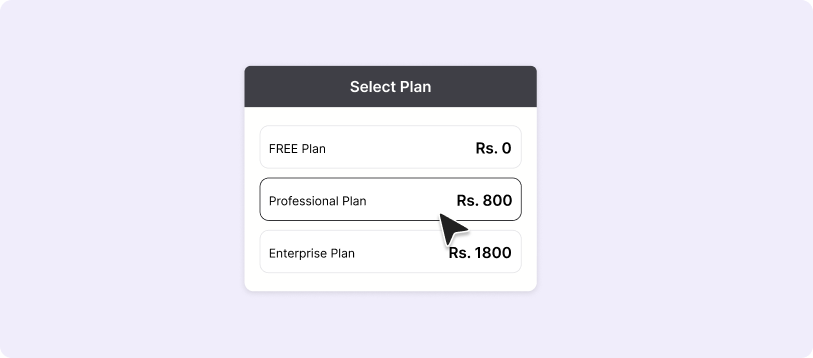
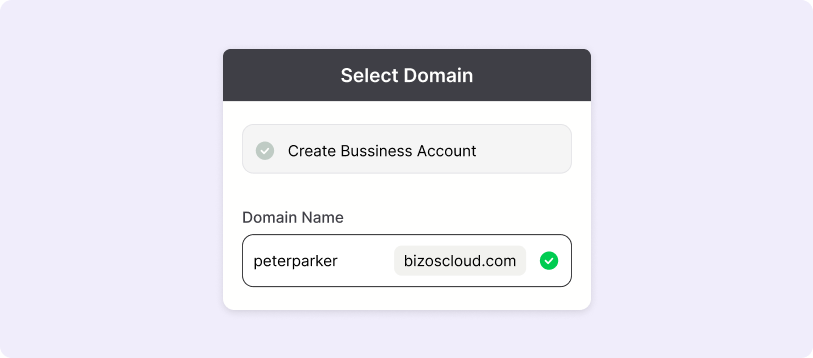
Step 2: Add Your Business & Domain Selection
Add your store name, logo, and basic info to personalize your setup and select your domain, you can use ours or connect your own.
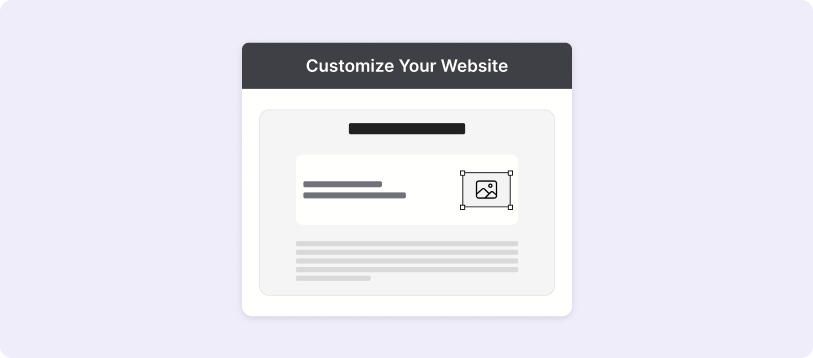
Step 3: Build & Customize Your Website
Use the drag-and-drop builder to design your website, and add products.
Step 4: Launch & Start Selling
Publish your store, start accepting eSewa or Khalti payments, and manage everything from your dashboard.